-
Enhancing HR Documents with Company Branding Using Form2Doc
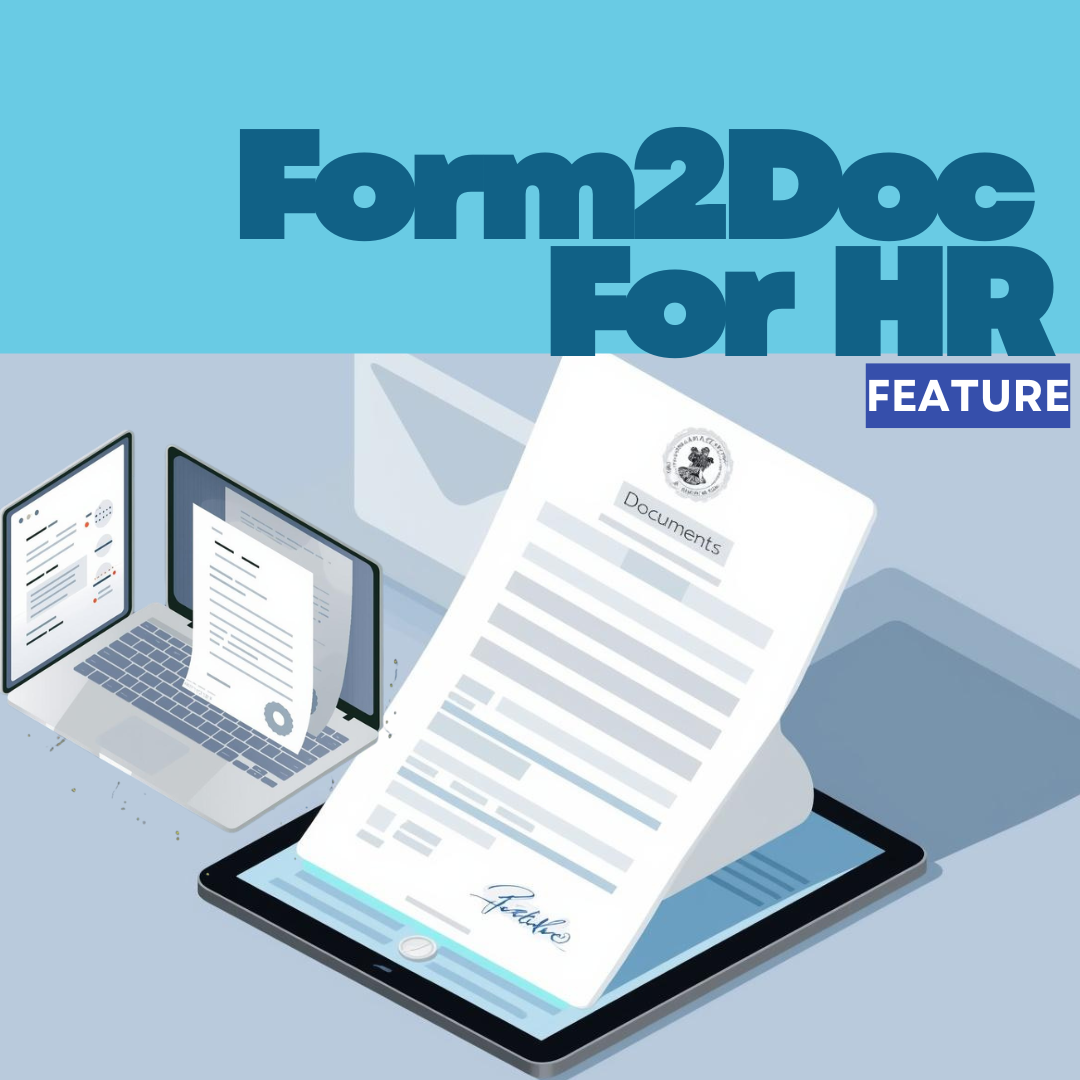
In business, having a brand that people can easily identify and associate with is important, as having a distinct brand identity in business sets you apart from the crowd. Therefore, consistency in terms of your brand voice, messaging, logo, fonts, color, and essentially your brand elements is key. Smilarly in the workplace, HR documents shared…
-
Meet Form2Doc: Automatically Turn Form Responses Into Branded Documents.

You know how you sometimes look right past something very useful/valuable that’s been staring you in the face all along? That’s what Form2Doc is. Form2Doc automatically turns form responses into polished documents, certificates, invoices, contracts, and more. Just provide a template, and let it do the rest. Previously called Document Merge, Form2Doc is one of…
-
How to Optimize Lead Qualification With Formplus and Salesforce Pardot

-
How To Integrate Donor Forms with Donorbox via Zapier
The last thing you need as an NGO/NPO is not being able to receive or process the funds you labored for with multiple fundraising events and campaigns. Also, digital-first nonprofits are growing faster than traditional offline NGOs with online donors being 48% more valuable than offline donors. While there are various platforms for collecting donations,…
-
How To Sync Any Product Feedback Form with Productboard

About 90% of tech product launches fail, not because they lack brand recognition, but due to insufficient market research and understanding of customer needs. This is a tale as old as time- tech startups develop products their target audience doesn’t need. After months or even years of development and product teams working tirelessly, they cease…
-
Introducing Answer Piping: Smarter, More Personalized Forms Are Here.
We know that every interaction with your form is an opportunity to create a meaningful connection & we’re always looking for ways to make your form-building experience more dynamic, engaging, and efficient. That’s why we’re thrilled to introduce Answer Piping, a new feature that changes the way you interact with your respondents. With Answer Piping, you…
-
E-Sign on Formplus: Your Solution for Instant, Legally-Binding Digital Signatures.

As a business owner, you’ve just wrapped up a huge project with a client. You’ve ironed out all the details and agreed on the terms, and now you’re just waiting on that signature to seal the deal. You both work remotely, so printing, signing, scanning, and emailing the document just isn’t an option. You need…
-
Top SurveySparrow Alternatives: The Best Options Reviewed

Creating and distributing surveys shouldn’t be a complex task. While SurveySparrow offers a wide range of features, it can quickly become overwhelming. The market is also flooded with form-building software with better features than Surveysparrow offers, but finding one that balances robust features, user-friendliness, and affordable pricing can be challenging. So, let’s look at the…
-
Simplifying Client Agreements for Freelancers with Digital Signatures

The golden rule of thumb for freelancers is to always get a signed agreement before starting any project. Having a legally binding contract protects both you and your client. It protects the client by ensuring you deliver on the agreed terms and conditions of the project, while it protects you by ensuring clients pay you…
-
7 Formplus Features for Editorial Teams
Manual submissions can keep you buried in paperwork and email threads for months. You have to manage submissions and revise them before finally approving them. And you’re not alone in this snail’s pace. Contributors also have to wait a long time to find out if their submissions have been approved or denied. But there’s a…